Featured project · My own game
Backyard Volley: From Blender modelsto a playablevolleyball game.
Backyard Volley. Arcade volleyball where you move by hand and aim every hit with the mouse. 1v1 up to 6v6 on three courts, bots that run real plays, and online matches with friends. I built the characters, poses, balls, gameplay systems, netcode, and the music generator.
- Role
- Solo: design, art, code, music
- When
- Sep – Oct 2026
- Platform
- Windows build
- Stack
- Godot 4.7GDScriptBlender 5.2Blender PythonENet (UDP)

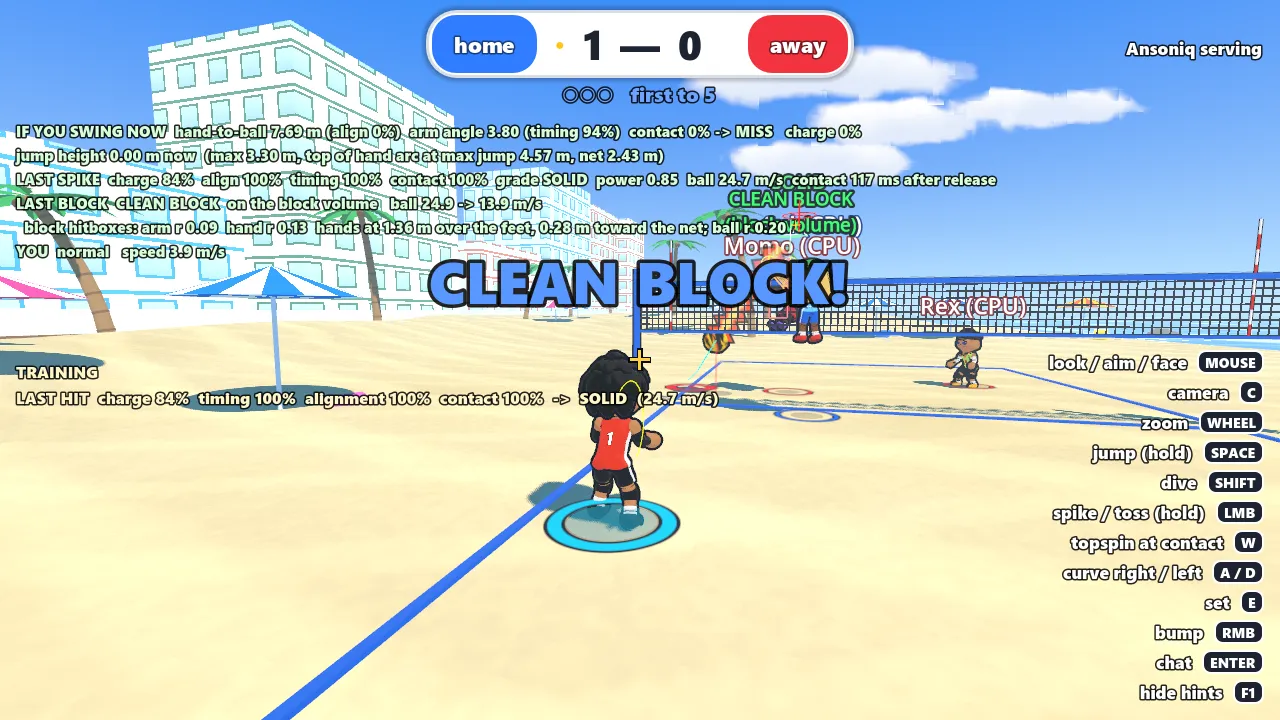
- 1Contact readoutTraining mode prints every hit’s charge, timing, alignment, and contact score, the same model you can try in the Spike Lab below.
- 2SOLID burstA warm comic burst marks a solid spike right where the hand met the ball. Blocks get cool blues; weak hits only spark.
- 3Ball trailThe trail encodes the last touch: hits are a thick streak in the hitter’s team colour, sets a gold ribbon, passes blue bubbles, blocks a red zig-zag.
- 4CrosshairYour character always faces the cursor. Moving and facing are separate, so you can shuffle sideways while aiming.
- 5Landing markerShows where the ball will land; its outer ring shrinks as the ball comes down, which is how you time your jump.
- 6You (cyan ring)My player, with a CPU teammate. Bots fill every empty spot, from 1v1 to 6v6.
Arcade volleyball you play with your hands, not a menu.
You move with the keyboard and aim everything with the mouse. Hold space to load a jump, hold click to charge a spike, and release with your hand on the ball. Set, bump, dive, block, and serve are all physical; nothing connects automatically.
Play with bots on three courts from 1v1 to 6v6, run drills in a training ground with 11 tutorial lessons, customize your player, or host friends online.
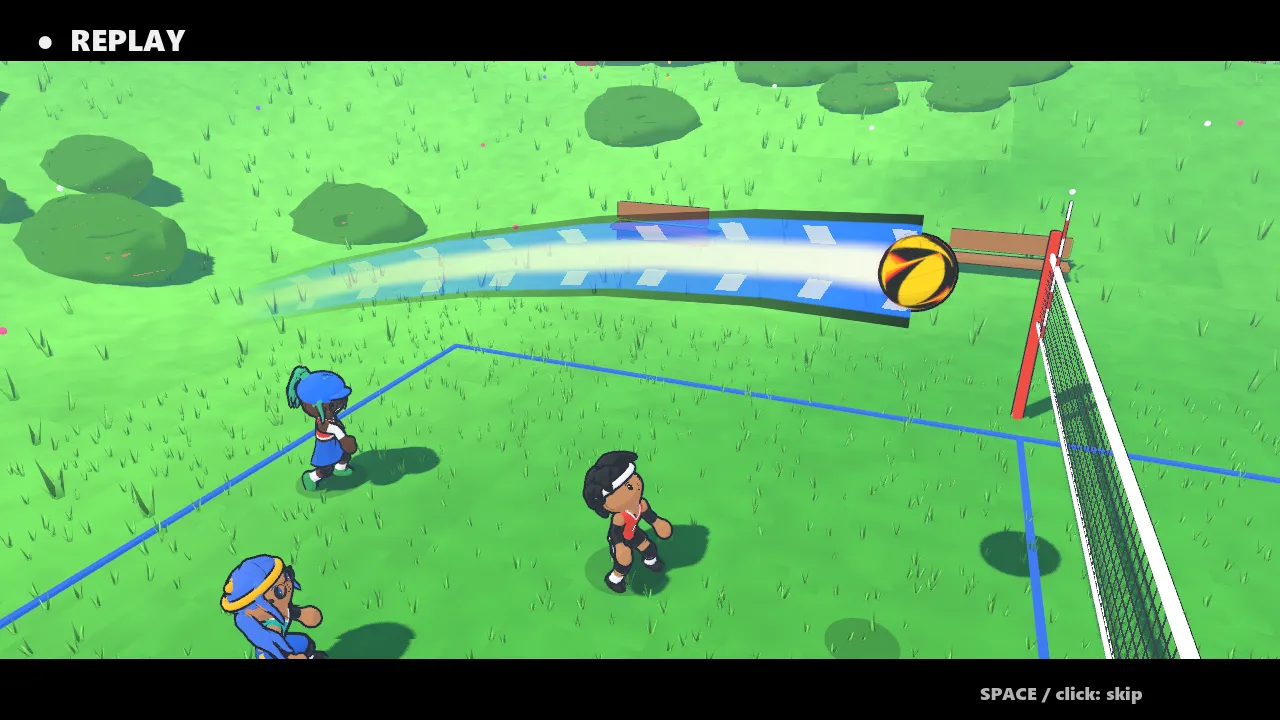
Instant replay after every point 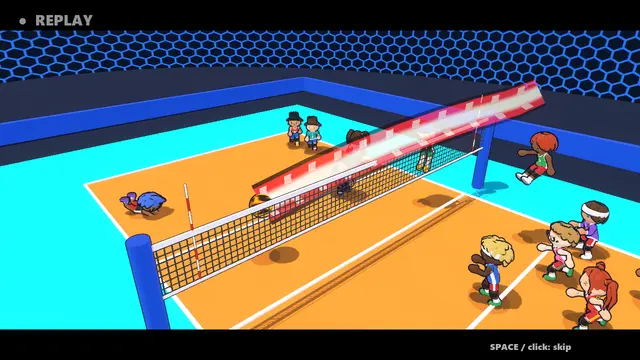
6v6 in the arena 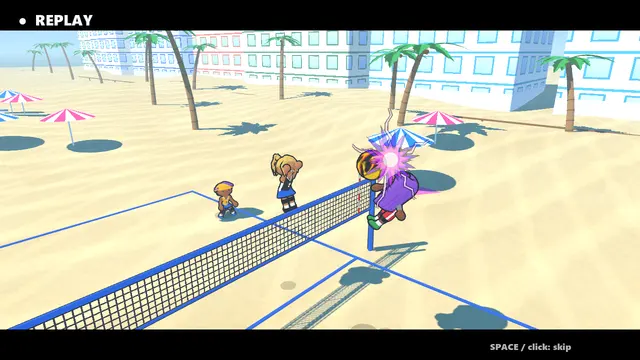
Beach court 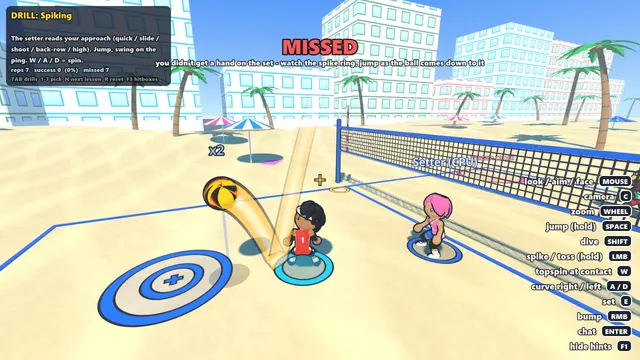
Training ground drills explain every rep 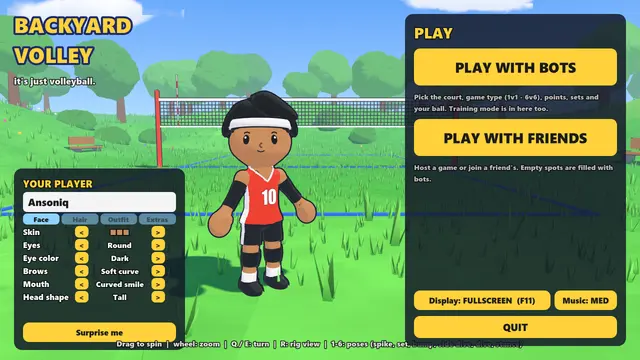
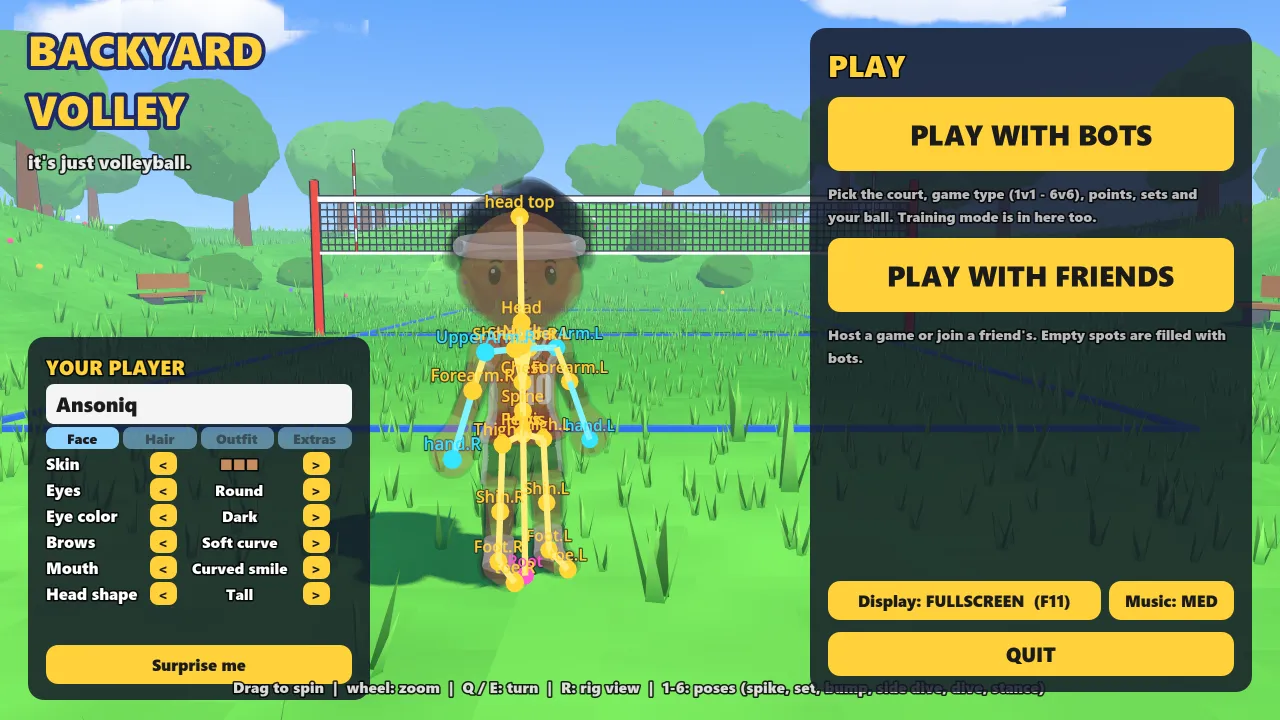
Customization menu 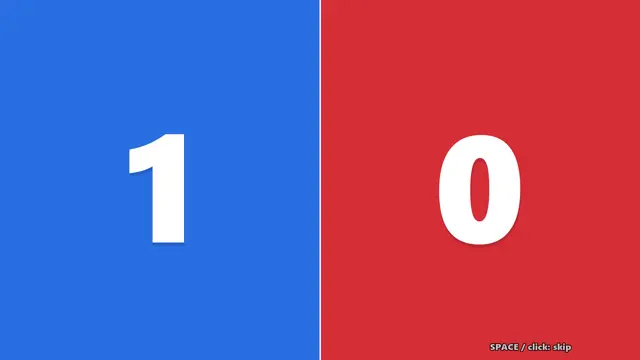
TV-style scoreboard between points
Stage 1
Modeling. Characters as a kit, not a sculpture.
Every body piece is generated by a Blender Python script (build_character_kit.py, build_hair.py, build_clothing.py, build_apparel.py), so a change is an edit and a re-run, not hours of hand work.
Each piece’s origin sits on its joint in the game’s rig (hips, knees, head), so the game can attach and recolor it. A new hairstyle, shoe, or top is one new mesh in the kit, not a new character.
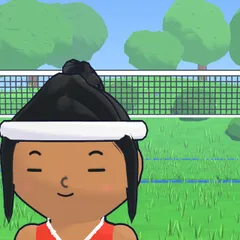
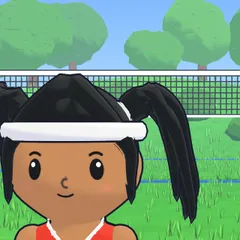
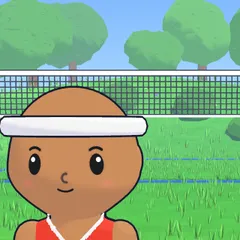
The face is not modeled at all. A shader projects decal textures onto the front of whatever head shape you pick, so every eye, brow, and mouth works on every head. Skin under clothing is hidden per-vertex with color-coded regions, so tops and shorts never z-fight with the body.
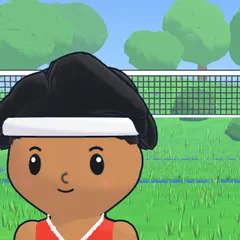
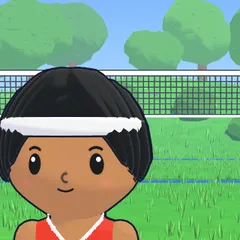
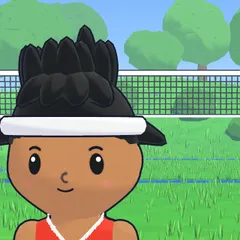
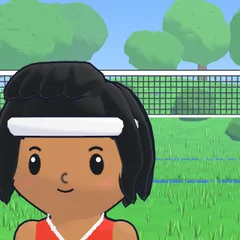
- Hairstyles
- 16 Blender-made styles + bald
- Garments
- 5 tops × 5 bottoms, any combination
- Face options
- 8 eyes · 7 brows · 8 mouths · 3 head shapes
Stage 2
Animation. Poses from Blender, motion from code.
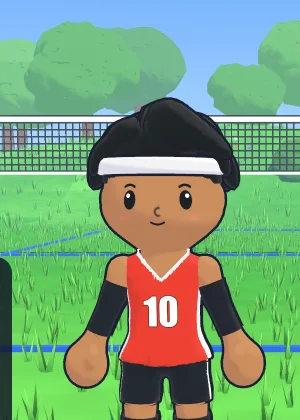
I author key poses in a Blender pose library (the jump load, spike load and finish, setting, platform receive, block, dive), and a build script exports them as one-frame clips on a 19-bone rig.
The game blends them at runtime. Locomotion picks a pose from the direction you move relative to where you aim: forward run, two diagonal runs, a volleyball side shuffle, and a backpedal that is never just the run played backwards. Neighbouring directions blend so turning stays smooth.
On top of the pose, the body twists in layers: legs follow travel, hips mostly travel, chest splits the difference, and the head stays on the cursor.
Fig. 02 · live pose blend
19 bones · 20 clips
Each bone’s rotation is slerped between the two clips, the same incremental blend the game uses in _blend_poses(). In play, the target pose is then eased toward every frame so changes never snap.
Ready
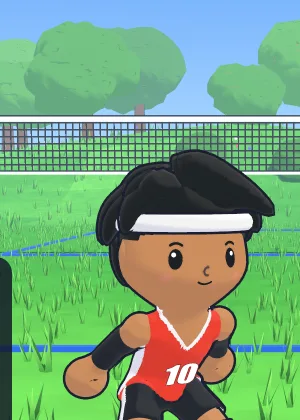
Jump load
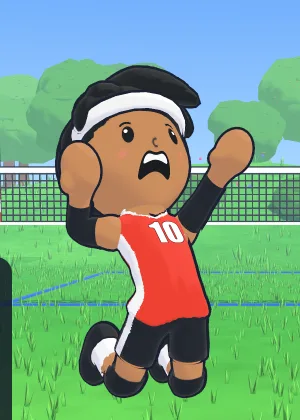
Spike
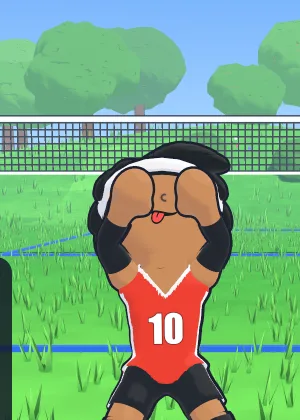
Set
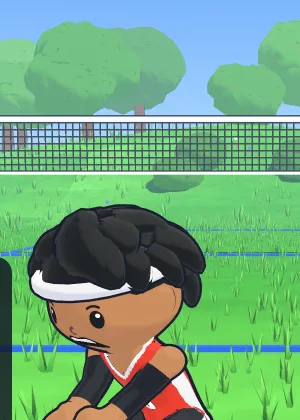
Platform
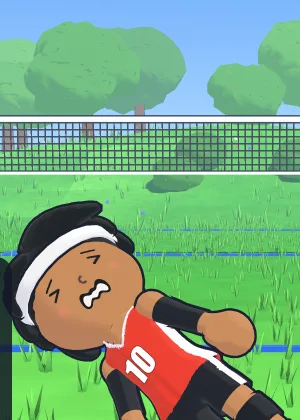
Side dive
Stage 3
Gameplay engineering. Every touch is physical, aimed, and judged by the host.
Nothing connects automatically. Your hitting hand sweeps a real arc; if it passes near the ball you hit it, and it goes where your cursor aims.
Setters read the hitter: where they are heading and how fast decides a quick, slide, shoot, back-row, or high ball. There is no attack menu.
Online, the host decides every hit and collision. Your PC sends intent (“I swung, aimed here, I’m standing here”), and the host checks it against where the ball was, adjusted for your ping.
Demo · Spike contact lab
Drag the ball (or focus it and use arrow keys). Then hold the button to charge and release to swing, using the same rules as the game.
Alignment
100%
hand passes 7 cm from centre
Timing
100%
arm angle 2.60 rad (ideal 2.75)
Charge
0%
hold 0.55 s for 100%
Contact
—
alignment × timing
Grades: SOLID ≥ 0.85 contact, OK ≥ 0.65, otherwise WEAK. There’s no “perfect” tier: a good swing is a good spike.
Ported from spike_tuning.gd with the shipped values from data/spike.tres. In the game the ball is moving and you choose when to release; here it holds still so you can see how position along the arc becomes timing.
Under the hood
Spike contact
Spike power = charge × contact score, and contact = alignment × timing. Both are forgiving: within 35 cm of the ball’s centre is full alignment, and it still connects out to 85 cm. Grades are SOLID, OK, or WEAK; there is deliberately no “perfect” tier.
The setter reads you
The set is chosen from the hitter’s position and velocity, then thrown to where they will be. For fast sets the landing point is refined four times against the ball’s real flight time.
Host-authoritative netcode
One player hosts over ENet. Clients send intent; the host measures hold time, validates position, rewinds the ball by half your round-trip time (capped at 150 ms), and computes contact itself.
Real block hitboxes
Two arms, two hands, and the wall between them are checked against the ball’s path every frame. The result is a clean block, deflection, touch, or a miss with a reason: early, late, position, or low.
Instant replay
A rolling 12-second buffer of ball, players, and contacts. After each point a broadcast camera replays the build-up with slow motion on the deciding touch. It’s presentation only: gameplay is frozen and restored exactly.
Generated, layered music
The match theme is generated by a GDScript composer and split into four layers that build with the rally: bass at the serve, melody once a rally starts, brass in long rallies, choir at set point.
Scripted AI tests
Run with --test-ai, nine scenarios drive the real game code (bots, ball physics, and the host’s hit logic), covering block coverage, tips, quick reads, bad passes, and set quality, then print a report.
Delivered
- 01A complete, playable game: menus, customization, bots, training ground with 11 tutorial lessons, online play, replays, and a scoreboard.
- 02A reproducible art pipeline: characters, hair, clothing, balls, and face textures all rebuild from Python scripts.
- 03A one-click build script that re-captures Blender poses, re-exports the character, and packages a single-file Windows build.
Public download link pending: the itch.io page is not published yet.
What I learned
- Feel is a tuning problem. I moved jump, spike, and collision numbers into editor-tunable resources so I could iterate without touching code.
- Forgiveness reads as skill. Wide contact windows with graded results felt better than demanding perfect timing.
- Trust the host, not the client. Sending intent instead of outcomes made online play fair without complex rollback.